










Dec 8, 2025
CliqnPlay Team
7 Surprising Benefits of Playing Browser Games
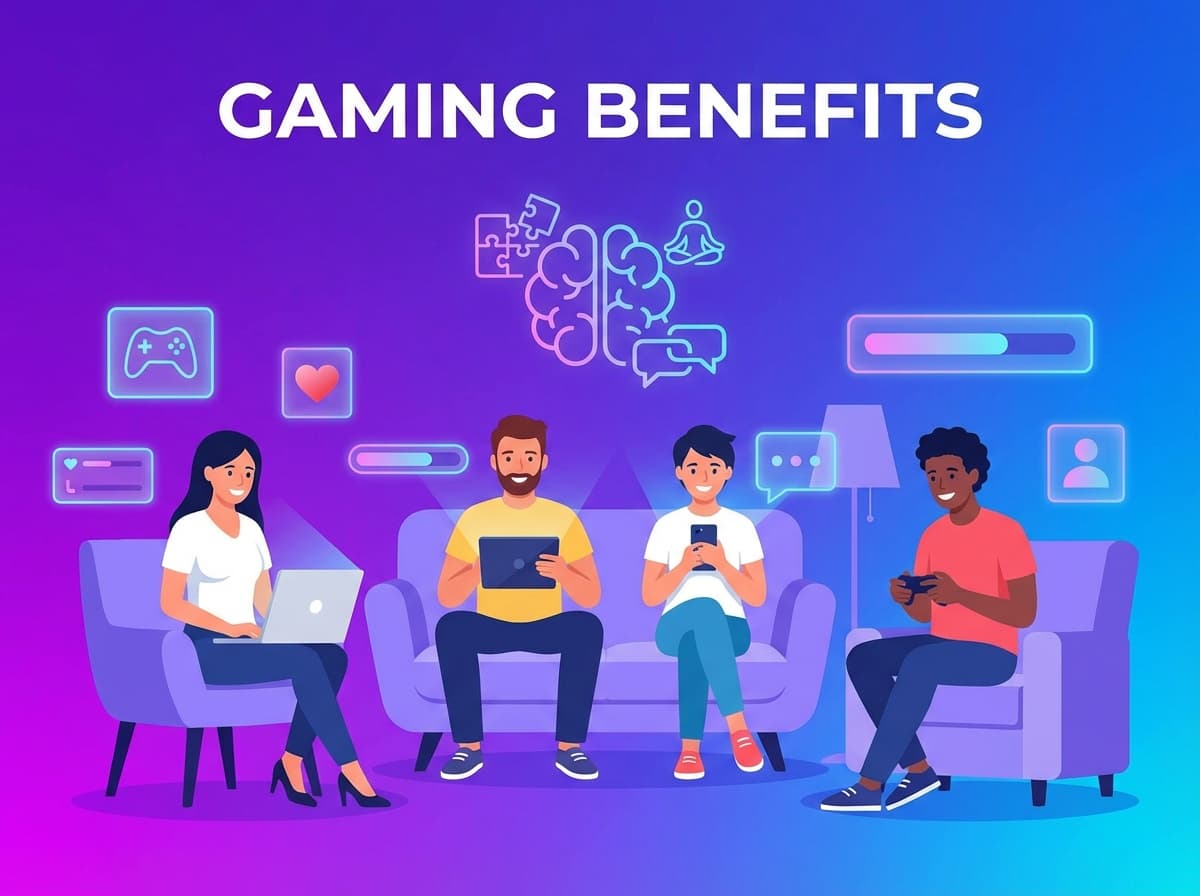
Did you know that playing casual browser games can actually improve your cognitive skills? Discover the hidden benefits of your daily gaming habit.
#Health#Gaming#Tips
CliqnPlay offers instant access to thousands of free games that run directly in your web browser. There's no need to download software, create accounts, or install plugins. Simply visit our site, choose a game, and start playing immediately. Our platform works on computers, tablets, and smartphones, making it easy to enjoy gaming wherever you are.
We organize our game collection into clear categories to help you find what you're looking for. Whether you enjoy solving puzzles, competing in races, managing resources in strategy games, or exploring action-packed adventures, you'll find plenty of options. Each game is tested to ensure it runs smoothly and provides an enjoyable experience.
Modern web technology allows games to run efficiently in browsers without compromising on graphics or gameplay quality. Many of our games feature engaging visuals, smooth animations, and responsive controls that work well with both mouse and touch inputs. This makes browser gaming a convenient alternative to traditional downloadable games.

The new world is waiting to be explored in Geometry Jump, another fun Geometry Dash spin-off version that will make you mad! Breakthrough into the world of geometry and test your reflex skills by jumping over any nasty obstacles that pop up in your path. Enjoy the venture hurdles in three levels of this game, before waiting for newer chapters to be updated. It's easy gameplay but hard to master, so fly and flip your way right now!

Welcome to the magical high kingdoms! Skydom is a bright and exciting puzzle with truly unique game modes! Went through thousands of different match 3 levels and want something refreshing? Have a look inside...only in Skydom you can face off with different players to determine the best at match 3! Show off your skill against real opponents or connect with friends in live Match 3 action on hundreds of levels with unique settings, gorgeous effects and unexpected turns.

Vega Mix: Sea Adventures is an exciting three-in-a-row game with vivid effects and unique mechanics. Embark on an unforgettable adventure with brave heroes who find themselves on the seabed and explore a sunken ship and an ancient city. But their story does not end there — after that they will have to restore the ancient lighthouse on the island. Enjoy colorful levels, various bonuses and puzzles that will help you uncover the secrets of the depths of the sea and restore the lighthouse.
Browse our homepage to see featured games, or use the category menu to explore specific genres. You can also use the search function to find games by name. Each game card shows a preview image and brief description to help you decide.
Click on any game to open it in fullscreen mode. Most games load within seconds and include on-screen instructions or tutorials. Controls vary by game type, but many use arrow keys, WASD keys, or mouse clicks. Check the game's description for specific control information.
Many games automatically save your progress in your browser's local storage. You can bookmark games you enjoy or use our favorites feature to create a personal collection. Your recently played games are also saved for quick access.
Don't hesitate to try different game types. You might discover a new favorite genre. Our "Surprise Me" feature randomly selects a game if you're feeling adventurous. Check back regularly as we continuously add new titles to our collection.
Browser games eliminate the waiting time associated with downloads and installations. You can start playing within seconds of clicking a game. This is especially convenient when you have limited time or want to try something new without committing to a large download.
Since these games run in web browsers, they work across different operating systems and devices. A game that works on your Windows computer will also work on a Mac, Chromebook, or mobile device. This flexibility means you can continue playing on different devices without losing access to your games.
Browser games don't take up space on your device's hard drive or storage. This is particularly beneficial for devices with limited storage capacity. You can enjoy a vast library of games without worrying about managing disk space or uninstalling games to make room for new ones.
Game developers can update browser games instantly without requiring players to download patches. This means you always have access to the latest version with bug fixes, new features, and improvements. Updates happen automatically when you visit the game page.
Did you know that playing casual browser games can actually improve your cognitive skills? Discover the hidden benefits of your daily gaming habit.

Looking for something new to play? We've rounded up the most addictive and fun casual games that are taking the internet by storm this year.

Take a nostalgic trip down memory lane as we explore the evolution of browser games, from the golden age of Flash to the modern HTML5 era.
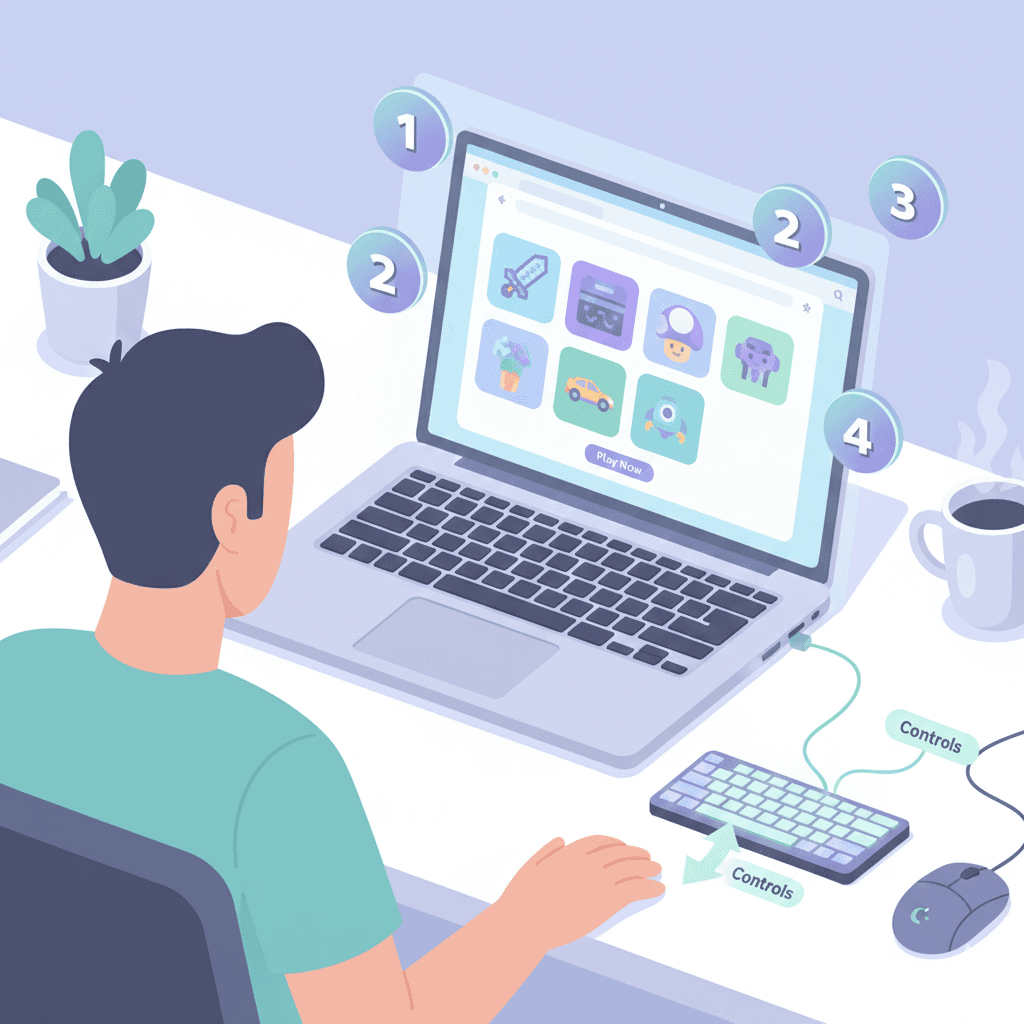
New to browser gaming? Learn everything you need to know to start playing games in your browser - from choosing the right browser to understanding game controls and optimizing your gaming experience.

Challenge your mind with our curated list of the best puzzle games available on CliqnPlay. From classic logic puzzles to innovative brain teasers, these games will keep you engaged for hours.
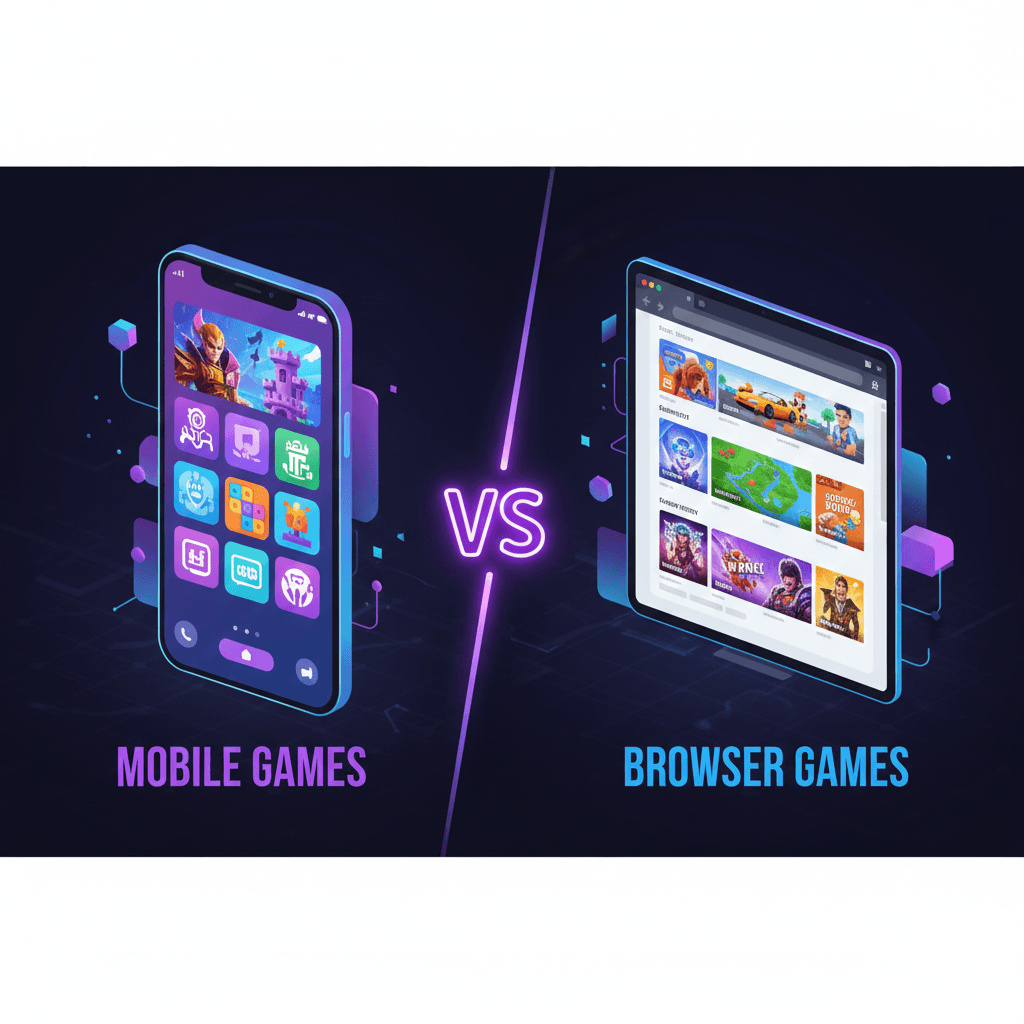
Compare mobile apps and browser games to understand which platform suits your gaming needs better. Discover the advantages and disadvantages of each approach.