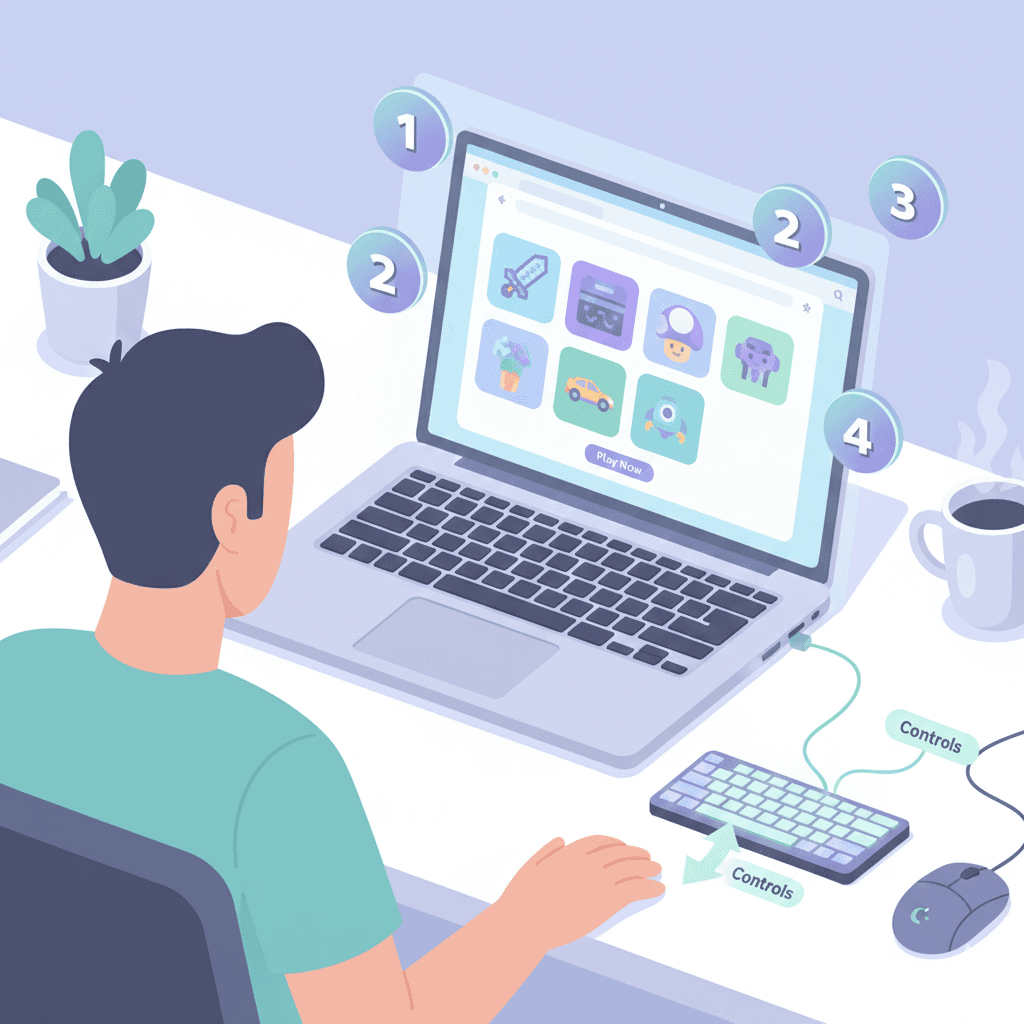
How to Get Started with Browser Gaming: A Complete Beginner's Guide
Browser gaming is one of the easiest ways to start gaming, but if you're new to it, you might have questions. This comprehensive guide will walk you through everything you need to know to get started with browser gaming on CliqnPlay and other platforms.
Why Browser Gaming?
Browser gaming offers several advantages over traditional gaming. You don't need expensive hardware, software installations, or gaming consoles. All you need is a modern web browser and an internet connection. Games load instantly, and you can play on any device - your laptop, tablet, or even smartphone.
Getting Started: What You Need
To start playing browser games, you'll need a modern web browser. We recommend using Google Chrome, Mozilla Firefox, Microsoft Edge, or Safari. Make sure your browser is updated to the latest version for the best performance and security.
Understanding Game Controls
Most browser games use simple controls. Many puzzle and strategy games use just your mouse or touchscreen. Action and racing games often use your keyboard arrow keys or WASD keys. Most games will show you the controls when you start playing. If you're stuck, look for a "How to Play" button or tutorial within the game.
Optimizing Your Gaming Experience
For the best gaming experience, make sure you have a stable internet connection. Close unnecessary browser tabs to free up memory. If a game seems slow, try disabling browser extensions or clearing your browser cache. Most games will automatically adjust their graphics settings based on your device's capabilities.
Ready to start? Browse our game categories and find your first game to play!